HTW StudentCard
Table of contents
Functions
The HTW Berlin StudentCard serves as a
- Student ID card
- Cafeteria card
- Copy card
- HTW Berlin library card
Card issue - only once at the start of the degree programme
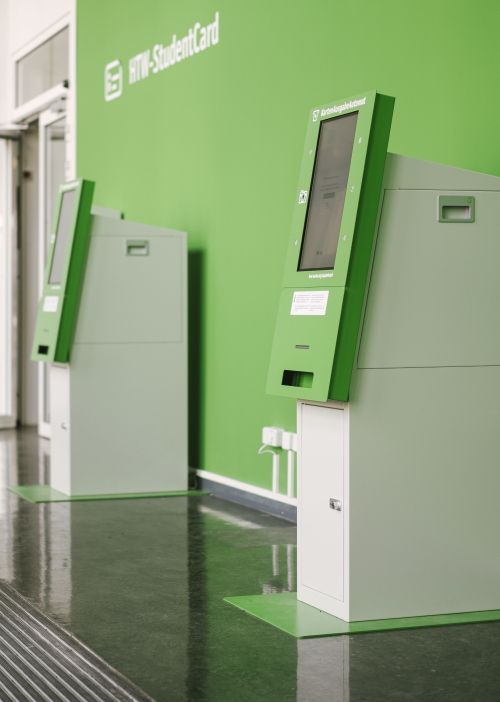
You will receive an email to your private email address with access data for your HTW Berlin account and information about the StudentCard. Create your StudentCard at a vending machine and then activate (validate) it.
- Treskowallee campus, building A, in front of room 149 (2 devices)
- Wilhelminenhof campus, building F, F1 entrance lobby (2 devices)
Reactivation of the card - each semester
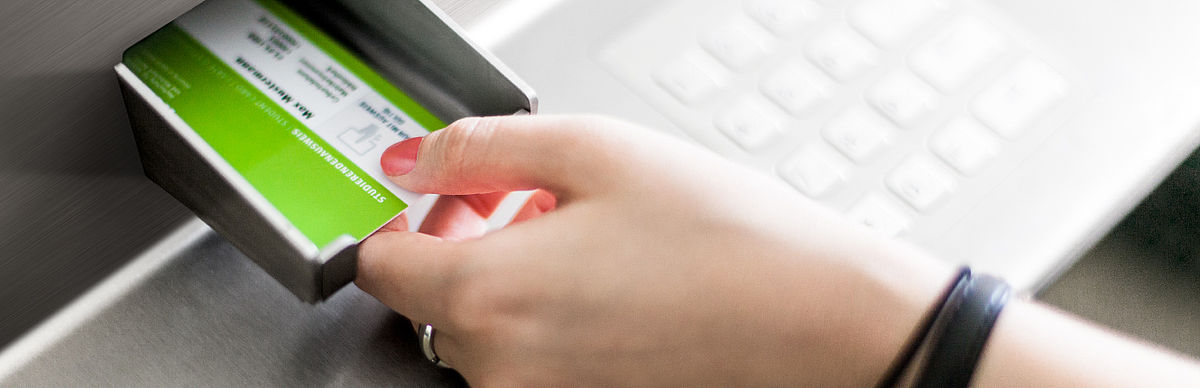
Activation or validation is required at the beginning of each semester. To do this, insert the card into a validation machine. The current semester is then printed onto the card.
Locations:
- Treskowallee campus
- building A, in front of room 147 (2 devices)
- building D, canteen lobby
- Wilhelminenhof campus
- building G, first floor (2 devices in front of the lifts)
- building F, F1 entrance lobby (2 devices)
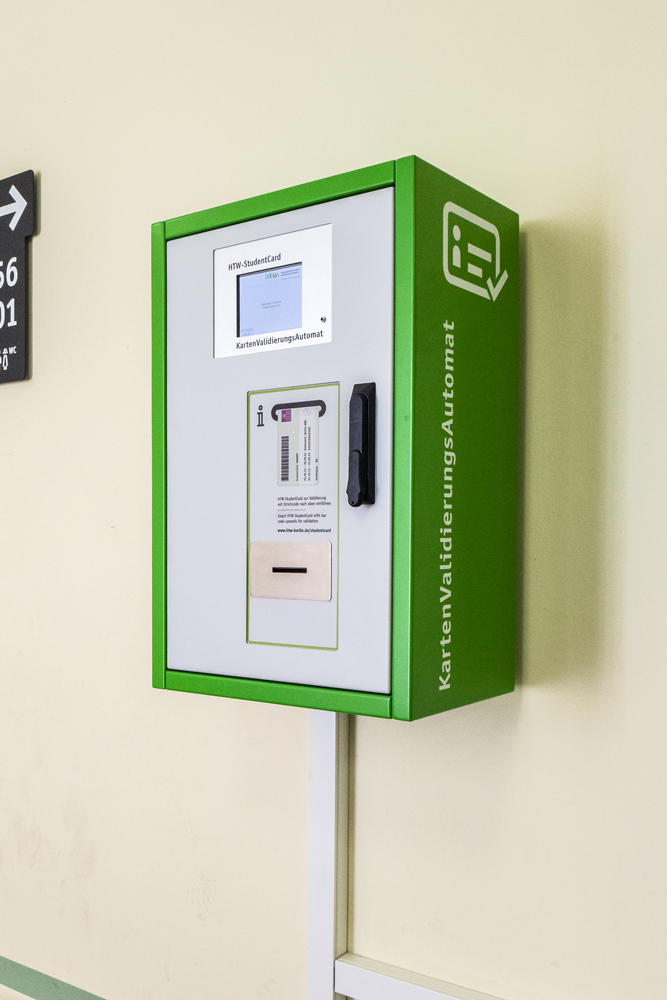
As soon as you have re-registered for the new semester, you can carry out the validation - even before the start of the semester. Both the current and the upcoming semester will then be printed on your card.
Replacement in case of defect or loss
- If your StudentCard is defective or lost, you can apply for a replacement card at the Student Service Centre.
- A fee for the replacement card will be charged in the event of a defect or loss caused by the cardholder (payment by EC card).
- You will receive a new QR code. You can use this to create your replacement card and also transfer your cafeteria credit. Present the code at the canteen checkout.
- Have your card blocked: in the library and in the cafeteria You can withdraw your cafeteria credit at any HTW Berlin cafeteria checkout on presentation of your StudentCard.